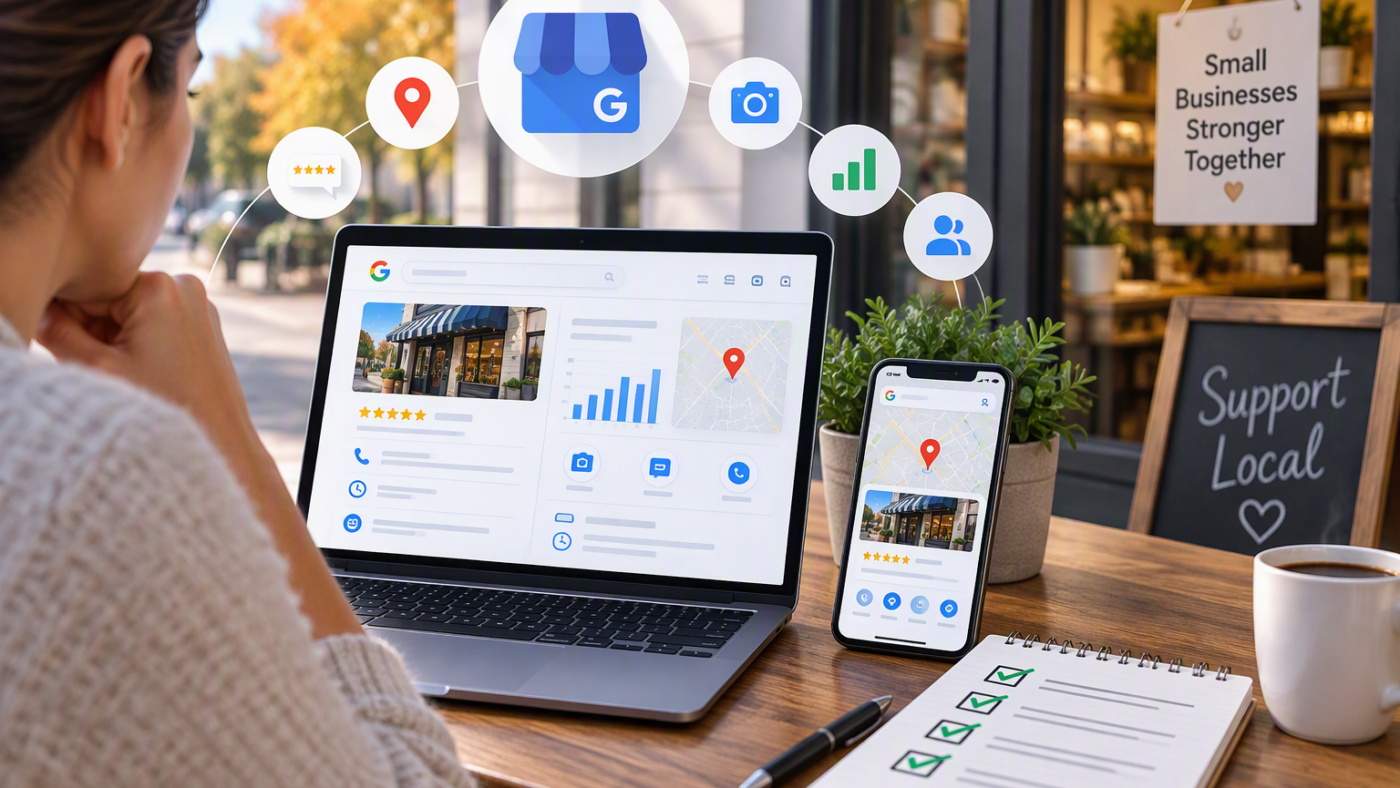
Google Business Profile changes reported this fall affect almost every local business. For most local companies, the Google Business Profile is the first thing customers see. It shows your hours, phone number, photos and reviews right in Google Search and Google Maps, often before anyone visits your website. Over the past few weeks, Google has been changing several parts of how these profiles work. Some changes protect honest businesses, and some create new tasks for owners. Here is what was reported and five simple steps you can take.

Table of Contents
Google Business Profile Changes Reported This Fall
According to the October 2026 Google Webmaster Report from Search Engine Roundtable, these were among the local search changes and tests in recent weeks:
- Photo verification for new profiles. Google introduced business photo verification for newly created Google Business Profiles.
- Less time to reject edits. Owners now have four days to reject edits that other users suggest to their profile.
- A spike in spam reviews. Google reported an increase in spam reviews and emailed affected business owners.
- Stricter rules on contact details in posts. Google has been cracking down on unverified contact information in Google Posts.
- Signing in to read reviews. Google Maps now requires visitors to sign in to read all of a business’s reviews.
- Automatic hours. Google is testing a feature that sets business hours automatically.
Some of these are tests, so not every business will see them yet. The direction is clear, though: Google wants accurate, verified information and is acting more quickly on suspicious activity.
Why These Google Business Profile Changes Matter
Your profile often decides whether a customer calls you or a competitor. A wrong phone number, missing hours or a wave of fake reviews can cost you calls before you even notice the problem. Because Google now acts faster on edits and suspicious activity, owners who check their profile regularly will stay in control, while owners who ignore it may find incorrect information online.
5 Simple Steps to Protect Your Profile
1. Check your profile at least once a week
With only four days to reject suggested edits, a wrong phone number, address or closing time could stay on your profile if nobody is watching. Turn on email notifications in your Google Business Profile and look at it every week.
2. Keep your hours accurate
If Google starts setting hours automatically, the best way to stay in control is to keep your own hours up to date, including holiday hours. Accurate hours prevent wasted trips and unfair reviews.
3. Use only verified contact details
Make sure the phone number, email and website in your posts match the details on your verified Google Business Profile. Posts with contact information Google cannot confirm may be rejected.
4. Watch for fake reviews and respond to real ones
Report reviews that are clearly spam, and reply politely to every genuine review, good or bad. Never buy reviews or offer rewards for five-star ratings, because Google can remove those reviews and penalize your profile. Instead, ask happy customers for honest feedback with a simple link after each job. Google explains its rules in its prohibited and restricted content policy.
5. Make your website match your profile
Because people may need to sign in to read all of your reviews on Google Maps, your website should show some of your best customer feedback too. Your business name, address, phone number and hours should also match exactly between your website and your profile. This consistency helps Google, and AI search tools, trust your business. Read more in our guide to getting found in Google AI Mode.
Your Profile and Your Website Work Together
A strong Google Business Profile brings customers to your website, and a strong website turns them into calls, bookings and sales. If you want to go further, our guide to small business SEO in Dallas–Fort Worth explains eight steps to get found on Google.
Google Business Profile Changes: FAQs
Do these changes affect existing profiles?
Some do. Photo verification was reported for new profiles, but the shorter time to reject edits, the stricter rules for posts and the review changes can affect any business.
What should I do if my profile gets suspended?
Do not create a new profile. Check that your information follows Google’s guidelines, fix anything that is wrong, and then request reinstatement through your Google Business Profile dashboard.
How often should I post on my Google Business Profile?
Once a week is a good habit. Share offers, events, new photos or helpful tips, and always use the verified contact details from your profile.
Need Help With Your Local Listing?
Are you a business in North Texas? Our SEO services in North Texas help local companies show up on Google and in the map results. We also build websites for businesses in Dallas, Fort Worth, Frisco and McKinney.
SMARTSYTES is a web design, hosting and digital marketing company based at 1404 W Walnut Hill Ln, Suite 118, in Irving, Texas, and we work with businesses across the United States. We can review your Google Business Profile and your website together and show you what to fix first. Contact us, call +1 682 347 6026, or email info@smartsytes.com for a free audit.
Leave a comment